
Use column filters to narrow the document list by author, language, or status.
Filter by author
In the Documents Hub, open the Author filter dropdown.
Search or scroll to find authors.
Select one or more authors.
The list updates to show only documents written by the selected authors.
Filter by language
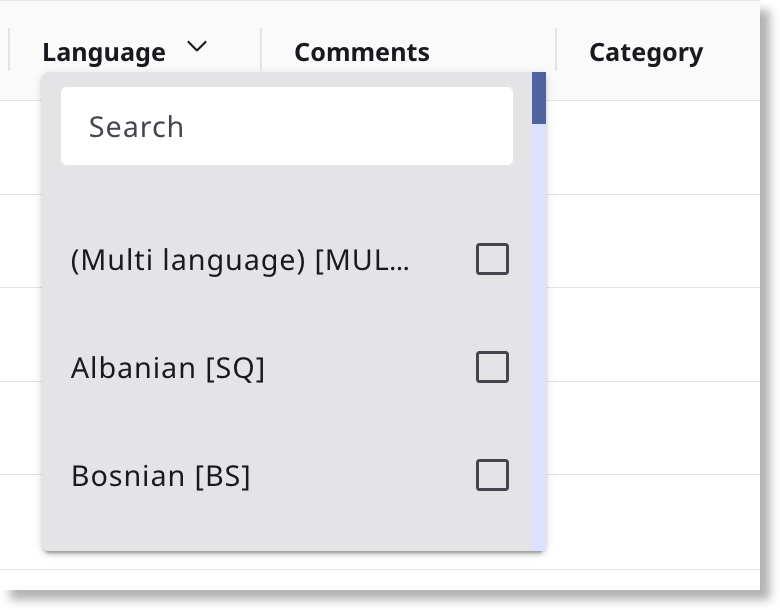
Open the Language filter dropdown.
Search or select one or more languages from the list.
The list updates to display only documents in the selected languages.
Filter by status
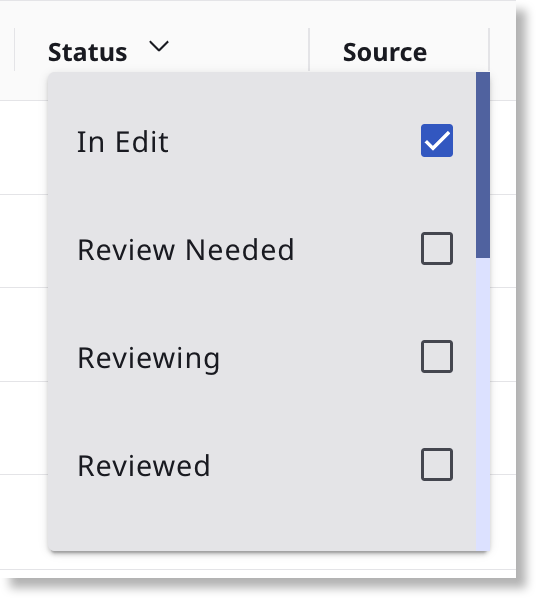
Open the Status filter dropdown.
Select one or more statuses, such as In Edit, Review Needed, Reviewing, or Reviewed. The list updates automatically.
To clear any filter, reopen the dropdown and deselect the options or use Clear all filters in the toolbar.
Comments
0 comments